Custom
Create a ratio with integers from 1 to 99.
Now on the App Store and Google Play
Preview the final frame and save landscape photos in ratios like 16:9 and 3:2—without cropping afterward.
Available on the App Store and Google Play.


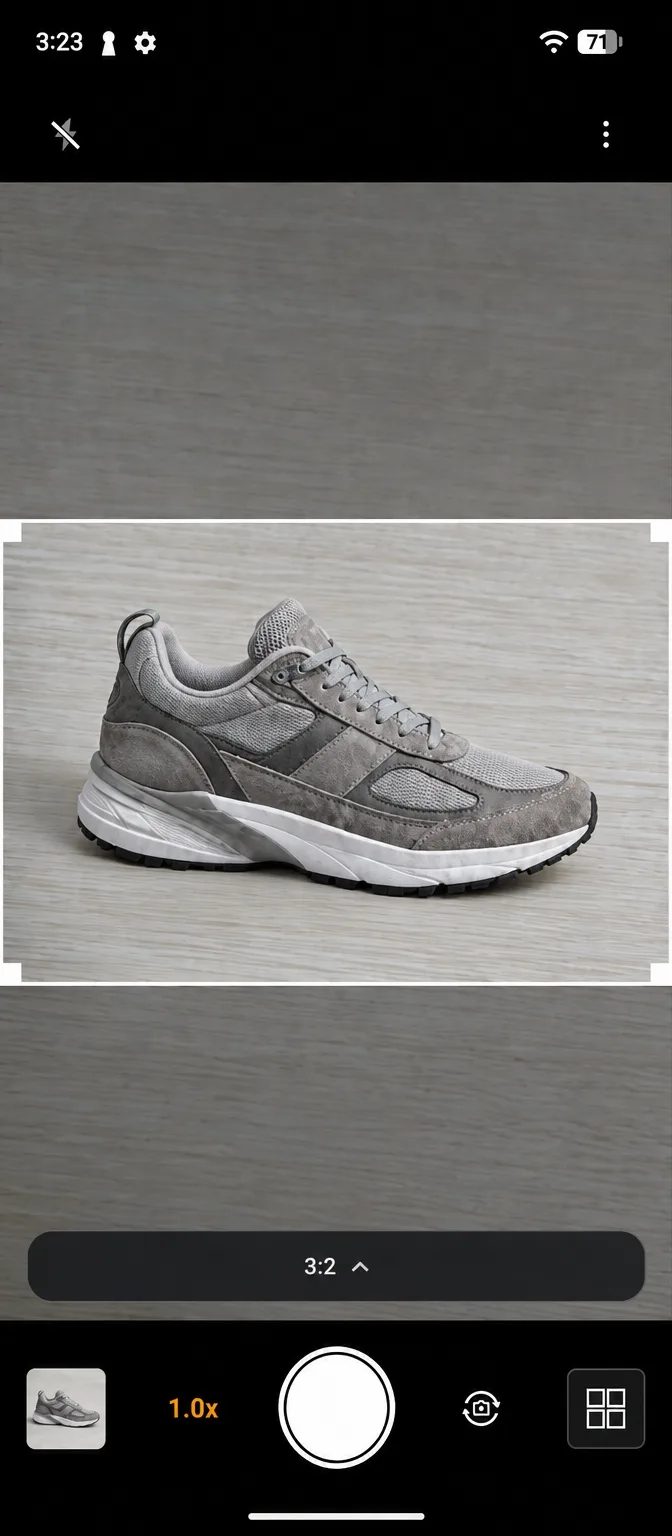
Wide photos without rotating your phone — the 15-second brand film.
See the final frame before you shoot. Encadra removes an extra crop between capture and the finished photo.
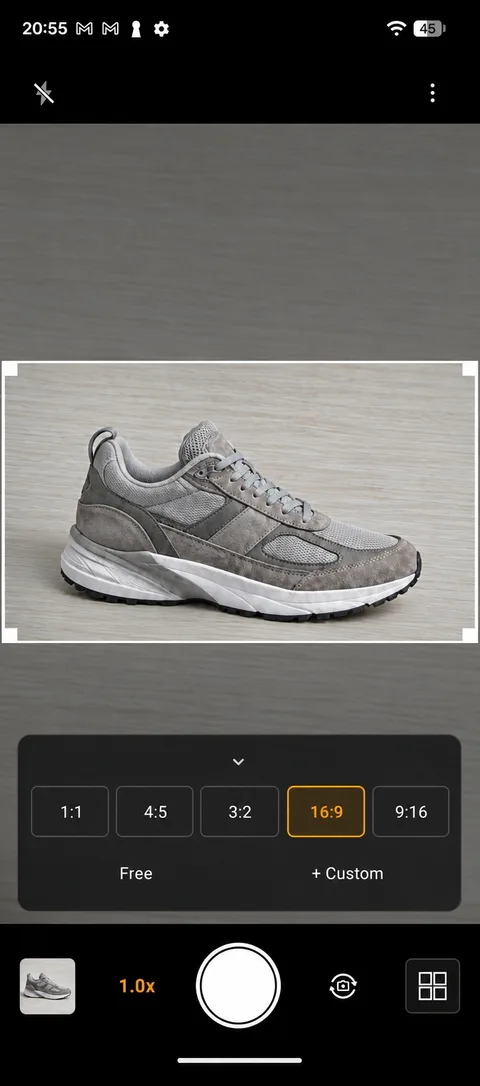
Choose the ratio you need and preview the finished area inside the white frame.
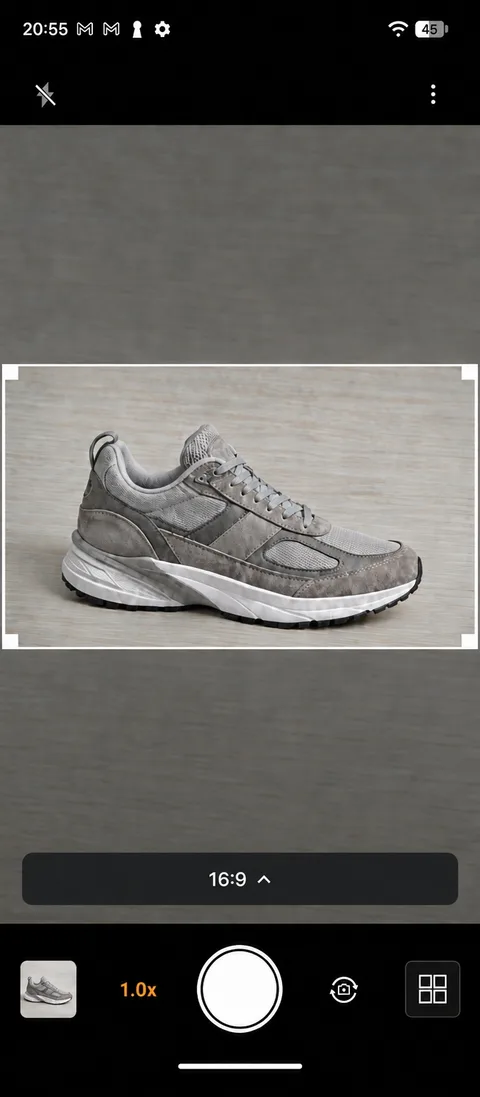
Keep your phone upright, compose inside the frame, and capture.
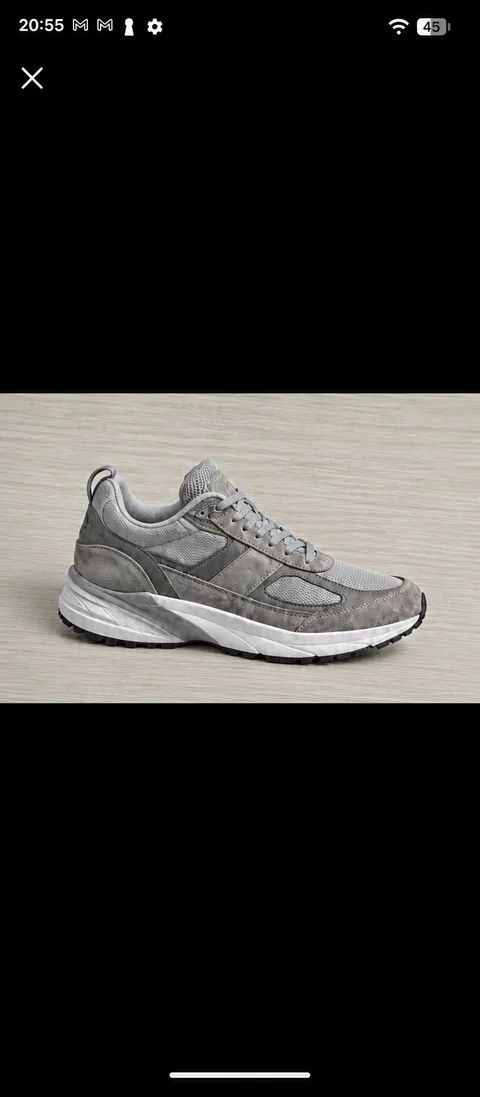
Save the framed area to your photo library as a high-quality JPEG.
Standard ratios and normal capture are free. Choose a shape that fits product listings, social posts, or articles.
Lifetime Pro expands your ratio and multi-shot options.
Create a ratio with integers from 1 to 99.
Arrange and manage up to five frequently used ratios.
Adjust width and height without locking the aspect ratio.
Combine two to four captures with five fixed templates.

Now on the App Store and Google Play
Unlock Pro features with one purchase. There is no automatic renewal or recurring charge.
Your localized price will appear on the App Store or Google Play purchase confirmation screen.
Encadra is focused on capture and processing, without sending your photos to the cloud.
Cropping, orientation correction, JPEG generation, and Sequence composition happen on your device.
There is no Encadra user account or cloud sync.
V1 has no advertising, behavioral analytics, or crash analytics SDK.
Encadra does not request location permission or add location data to saved photos.
Available on the App Store and Google Play.
Android 12 (API 31) or later / iOS 17 or later
Downloads and billing are handled through the App Store and Google Play.
Yes. The App download, standard ratios, normal capture, and saving to your photo library are free.
No. It is a one-time purchase with no automatic renewal or recurring charge.
Encadra is not designed to send captured photos, ratio settings, or Sequence data to Encadra or RevenueCat servers.
Encadra is live on both the App Store (iOS 17 or later) and Google Play (Android 12 or later).