Chatbots can help small businesses reduce repetitive questions, improve response speed, and guide users toward conversion. But many small teams launch too broadly, expect too much, or stop after the initial setup. In most cases, failure comes from setup assumptions, not from the tool itself.
What you’ll learn
- The most common chatbot mistakes small businesses make
- Why those mistakes happen early in the rollout
- How to launch with smaller scope and less risk
- What to measure after launch
Bottom line
Small business chatbot projects fail when they try to solve everything at once. The best rollout usually starts with a narrow set of high-frequency questions, a clear fallback path, and simple measurement. Start small, then expand based on real usage.
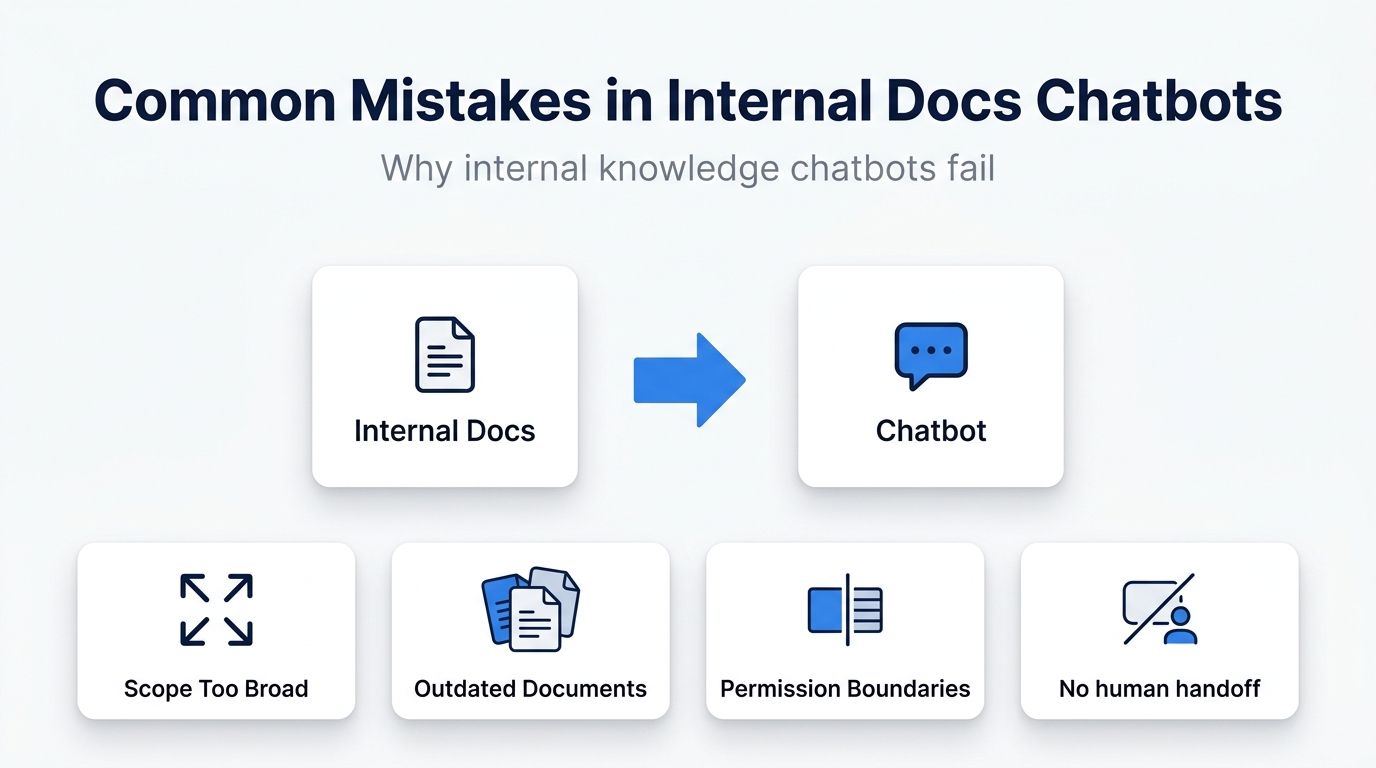
Mistake 1: Launching without a clear goal
If the reason for launch is just “we should have a chatbot,” the project becomes hard to judge later.
Good starting goals
- Reduce repetitive inquiries
- Help users before they contact you
- Handle after-hours questions
- Improve lead qualification or inquiry quality
Mistake 2: Trying to answer everything from day one
Small teams usually do not have the time to prepare, review, and maintain large answer coverage. If the chatbot attempts too much too early, trust drops fast.
Safer starting scope
- Top 5–10 frequent questions
- Pricing and service area
- Opening hours
- Booking or contact process
Mistake 3: Skipping FAQ and content cleanup
A chatbot cannot fix unclear source content. If your site has inconsistent pricing, vague service pages, or incomplete FAQ content, the chatbot inherits that confusion.
Clean up these areas first
- Pricing
- Service coverage
- Contact methods
- Booking or request flow
- Common questions
Mistake 4: No fallback path
Small businesses often rely on direct communication for edge cases. That means the chatbot must not become a dead end.
Fallback paths to keep visible
- Contact form
- Phone number
- Booking or consultation request
Mistake 5: No update owner
The initial launch often gets attention, but later changes to pricing, hours, and service details may never reach the chatbot.
Define this before launch
- Who updates the content
- What events trigger updates
- Which pages and answers need review after a change
Mistake 6: No measurement after launch
Without measurement, teams often conclude only that the chatbot “exists.” That does not tell you whether it helps.
| What to review | Why it matters |
|---|---|
| Chat starts | Whether users actually engage |
| Handoff clicks | Whether the chatbot supports contact flow |
| Drop-off points | Where users stop progressing |
| Unanswered questions | What new content to add |
A realistic rollout model for small businesses
- List the most common questions
- Clean the FAQ and contact flow
- Launch the chatbot as a support layer
- Review real user questions every month
Why ChatBuilder fits this use case
Scenario-based tools such as ChatBuilder work well for small businesses because you do not need full-scale AI coverage on day one. You can start with guided answers, FAQ routing, and clear fallback paths, then expand once you understand real demand.
FAQ
Do small businesses really need a chatbot?
Not always. But if the same inquiries repeat often, or users need help before contacting you, a chatbot can reduce friction and save time.
Should AI responses be enabled from day one?
Not necessarily. Many small businesses should begin with structured answers and clear routing, then expand AI-assisted coverage later.
Next steps
If you want a chatbot rollout that improves support without hurting conversion, start with design and migration decisions first.